Internal concept project — not a client engagement
Internal Product / Working Demo
SmartClinic
A modern healthcare platform for booking, access, and clinic workflows — service discovery, doctor discovery, appointment booking, authentication, and operational workflows in one connected system.
Internal product / working demo
View live demoExecutive Summary
SmartClinic is a working healthcare product built to explore how clinics and patients might connect through online booking, doctor discovery, authentication, and appointment management. Created as an internal product and portfolio case study, SmartClinic shows an approach to clean, business-ready digital systems for healthcare and service-focused industries across patient booking, doctor discovery, authentication, and operational workflows.
Screenshot walkthrough
Each screen is part of the real product—what users see when they use the platform. The descriptions below explain what the screen does and why it matters.
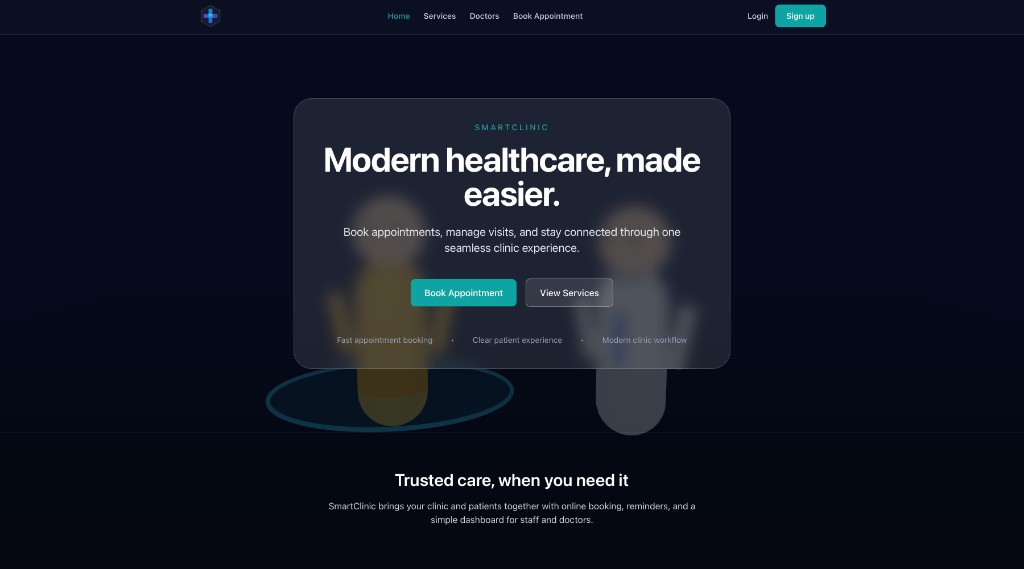
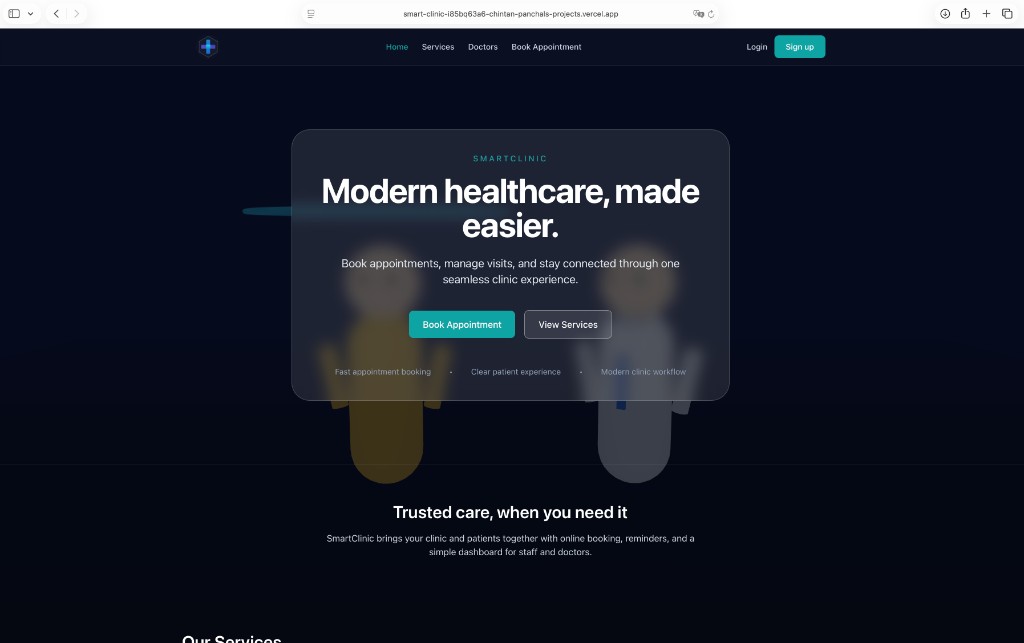
The SmartClinic homepage hero introduces the product with a single line: Modern healthcare, made easier. A supporting line explains that patients can book appointments, manage visits, and stay connected through one seamless clinic experience. Two clear CTAs—Book Appointment and View Services—sit front and centre, with short benefit lines (e.g. Fast appointment booking, Clear patient experience, Modern clinic workflow) underneath. The card uses a subtle glass-style panel on a dark background so the message feels calm, professional, and trustworthy for a healthcare context.
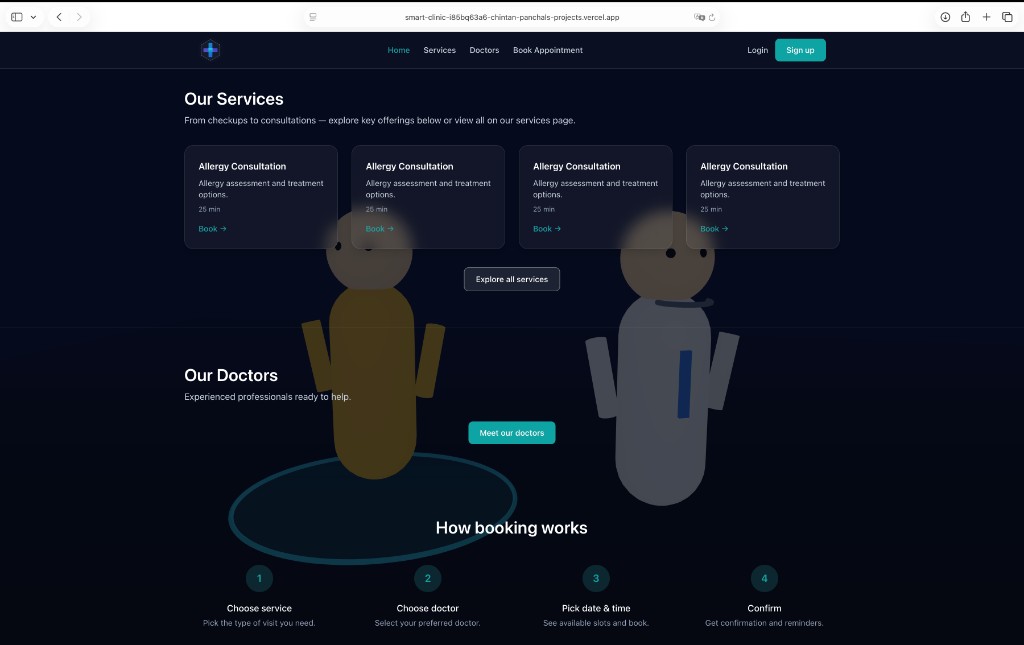
Scrolling down the homepage, the Our Services section lists clinic offerings (e.g. Allergy Consultation) with duration and a Book action so patients can see what’s available before starting the flow. The Our Doctors section invites users to meet the team, and a How booking works strip breaks the process into four steps: choose service, choose doctor, pick date and time, then confirm. Abstract figure graphics and consistent teal accents keep the look modern while the content answers the main questions: what can I book, who with, and how does it work.
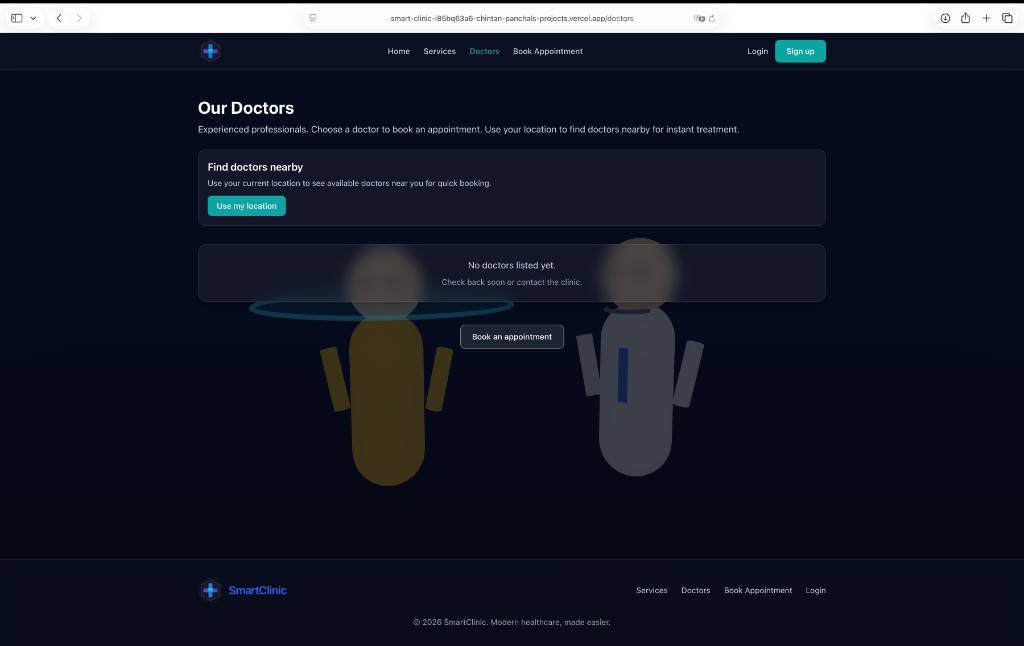
The Doctors page is built for discovery. A short intro explains that patients can choose a doctor to book an appointment and use location to find doctors nearby. A Find doctors nearby card offers a Use my location button so the product can show relevant professionals by geography. The layout leaves room for a list of doctor profiles (or an empty state), making it clear that the platform supports both browsing and location-based search as part of a real clinic workflow.
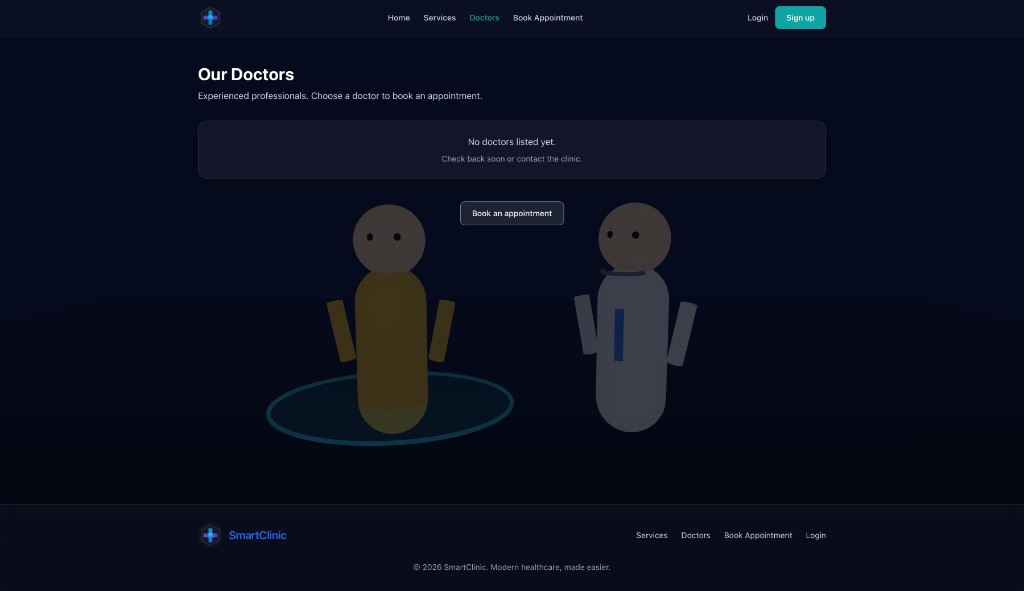
When no doctors are listed yet, the interface shows a clear empty state: No doctors listed yet, with a line like Check back soon or contact the clinic. A Book an appointment button still gives users a path forward. This screen demonstrates that the product handles missing data gracefully instead of showing a broken or blank page—important for real deployments where data is added over time or varies by clinic.
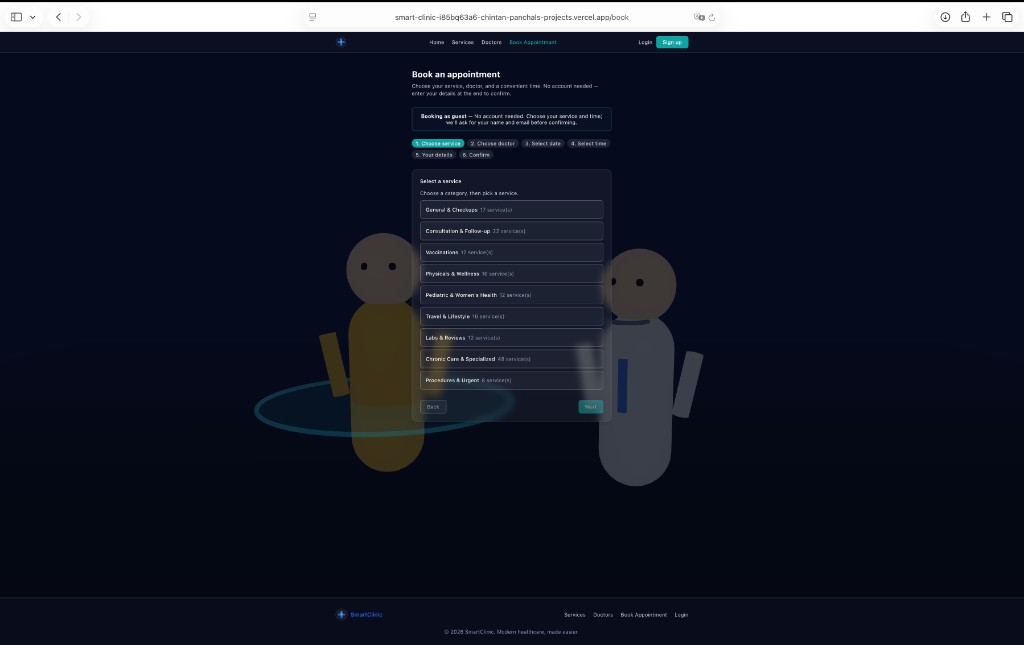
The Book an appointment flow is a step-by-step wizard. The top of the screen shows the five steps: Choose service, Choose doctor, Select date, Select time, and Your details & Confirm. A short note explains that no account is needed—details are collected at the end. In this screenshot, the first step is active: a Select a service modal lists categories (e.g. General & Checkups, Consultation & Follow-up, Vaccinations) with service counts. Back and Next buttons control the flow. This structure keeps the booking process clear and reduces drop-off by breaking a long form into manageable steps.
At a key decision point, the user sees Ready to book? with a short line: Create an account or sign in to manage your appointments. Two options are offered: Sign up (primary) and Book without account. This gives patients a choice—quick guest booking or an account for future visits and history—without blocking either path. The modal is simple and focused so the user can decide quickly and continue, which supports both conversion and usability.
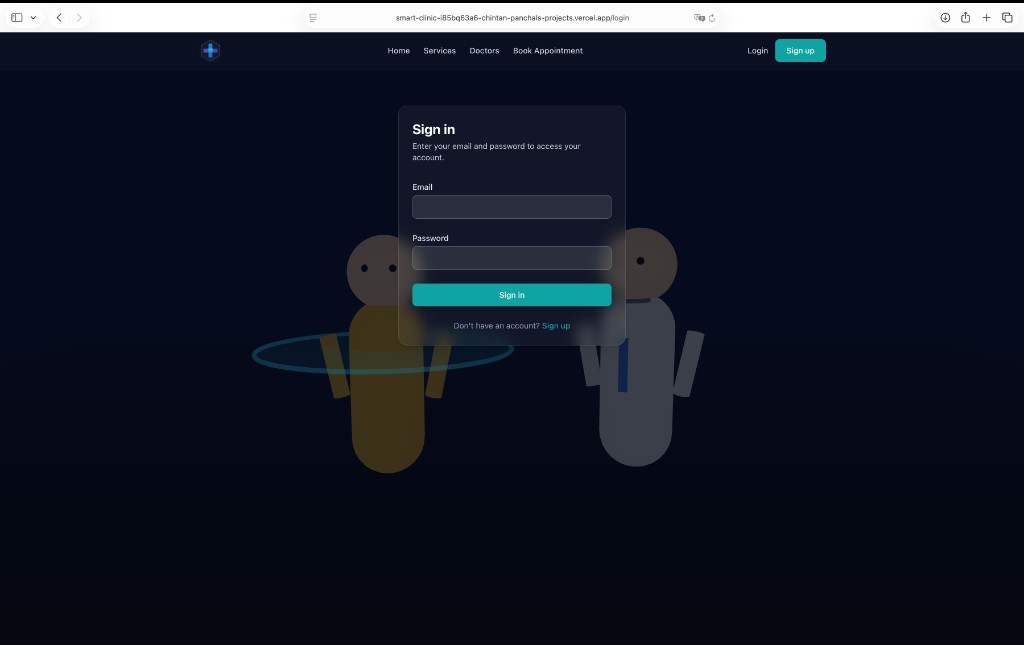
The Sign in screen is minimal: email and password fields, a Sign in button, and a link to sign up for those who don’t have an account. The form sits in a light, slightly translucent card on the dark background, matching the rest of the product. Copy like Enter your email and password to access your account sets expectations. Returning patients can get back to their appointments or profile in one step without distraction.
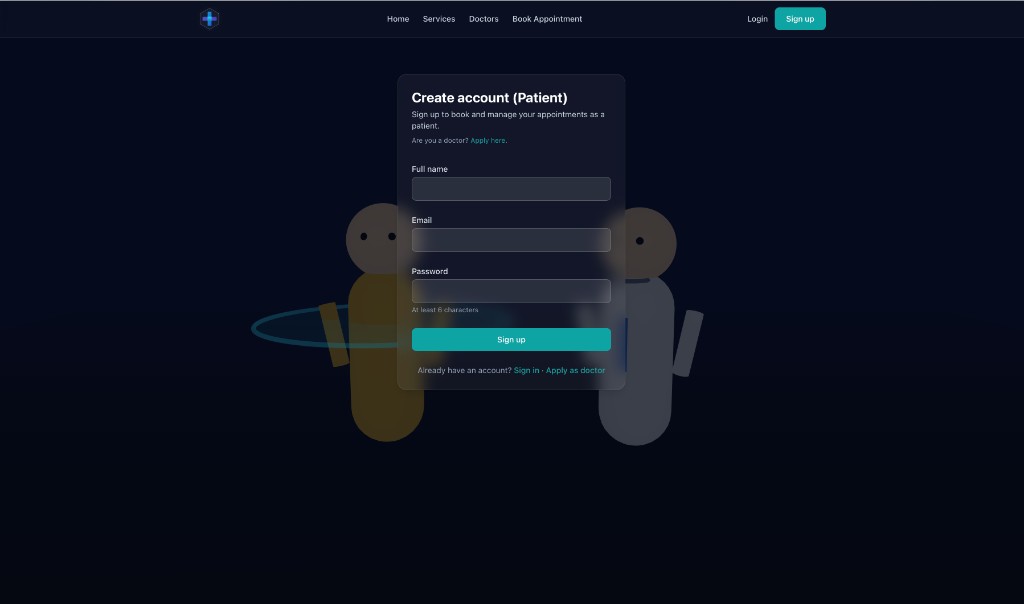
The Create account (Patient) page is dedicated to patient registration. A line explains that signing up lets users book and manage appointments as a patient. A clear link—Are you a doctor? Apply here—separates patient and doctor flows so the right people land on the right form. Fields for full name, email, and password (with a short hint, e.g. At least 6 characters) keep the form short. At the bottom, links for Sign in and Apply as doctor give alternative paths. The layout supports a clean, role-aware onboarding experience for both patients and doctors.
Product context
SmartClinic is an original internal product created as an internal concept to explore how we design and develop modern healthcare platforms that connect patients, doctors, and clinic operations through booking, discovery, and workflow systems. It is presented as a working product showcase for healthcare and clinic-focused industries.
The Problem
Many clinics still rely on disconnected systems for core interactions such as appointment booking, patient onboarding, doctor discovery, appointment status tracking, queue handling, and access control for staff and doctors. This creates friction for users and makes the overall clinic experience feel less organized than it should. Patients want convenience and clarity. Clinics need structure, visibility, and smoother workflows.
- • Fragmented appointment booking
- • Unclear patient onboarding
- • Disconnected doctor discovery
- • Limited appointment status tracking
- • Queue and access control gaps
Our Approach
We designed and developed SmartClinic as a healthcare-focused web platform that brings together public discovery, appointment booking, authentication, patient access, and clinic-side workflow support. The system allows users to explore clinic services, browse available doctors, book appointments with or without an account, create patient or doctor accounts, manage appointments, discover nearby doctors using location, support doctor registration review and approval, and handle clinic workflows through structured dashboard logic. The goal was to create a platform that feels modern, usable, and operationally realistic.
Design Principles
- • Trust — healthcare interfaces that feel calm, reliable, and easy to understand
- • Clarity — structured layouts, simple actions, and readable content hierarchy
- • Modernity — dark-mode visuals, glassmorphism-inspired cards, and a focused accent palette for a premium product-led appearance
Services demonstrated in this project
What this demonstration shows
SmartClinic was developed as a working internal product to explore modern healthcare-platform patterns that connect patients, doctors, and clinic operations in one coherent experience. It shows the kind of custom booking platforms and workflow-driven digital products that can be designed and built when scoped for a real brief — not as paying-client evidence.
Independent concept project created by uncodeworld. It was not commissioned by or delivered for an external client.
Related services
This project used or relates to the following services and solutions.
Have a Similar Challenge?
Let's design a solution that actually works.