Internal concept project — not a client engagement
Internal product / working build
MySaaS — Business workspace
An all‑in‑one workspace for small teams who are tired of stitching spreadsheets to invoicing tools — leads, clients, projects, tasks, calendar/events, invoices, payments, products, follow‑ups, reporting, messages, and support tickets in one coherent product.
Internal product / working demo
Executive Summary
MySaaS is a Laravel 13 and Livewire 3 application we use to demonstrate how we approach a full B2B workspace: teams and permissions, modular records, PDF invoices, Kanban tasks, calendar/events, follow‑ups, reporting, messaging, and support tickets — with a product structure that stays maintainable as the surface area grows. The product is written in plain, maintainable PHP and Livewire with Tailwind on the front — the sort of stack many UK SMEs already host comfortably. We are sharing it as a case study so you can see depth, not just a landing page mock‑up.
Screenshot walkthrough
Each screen is part of the real product—what users see when they use the platform. The descriptions below explain what the screen does and why it matters.
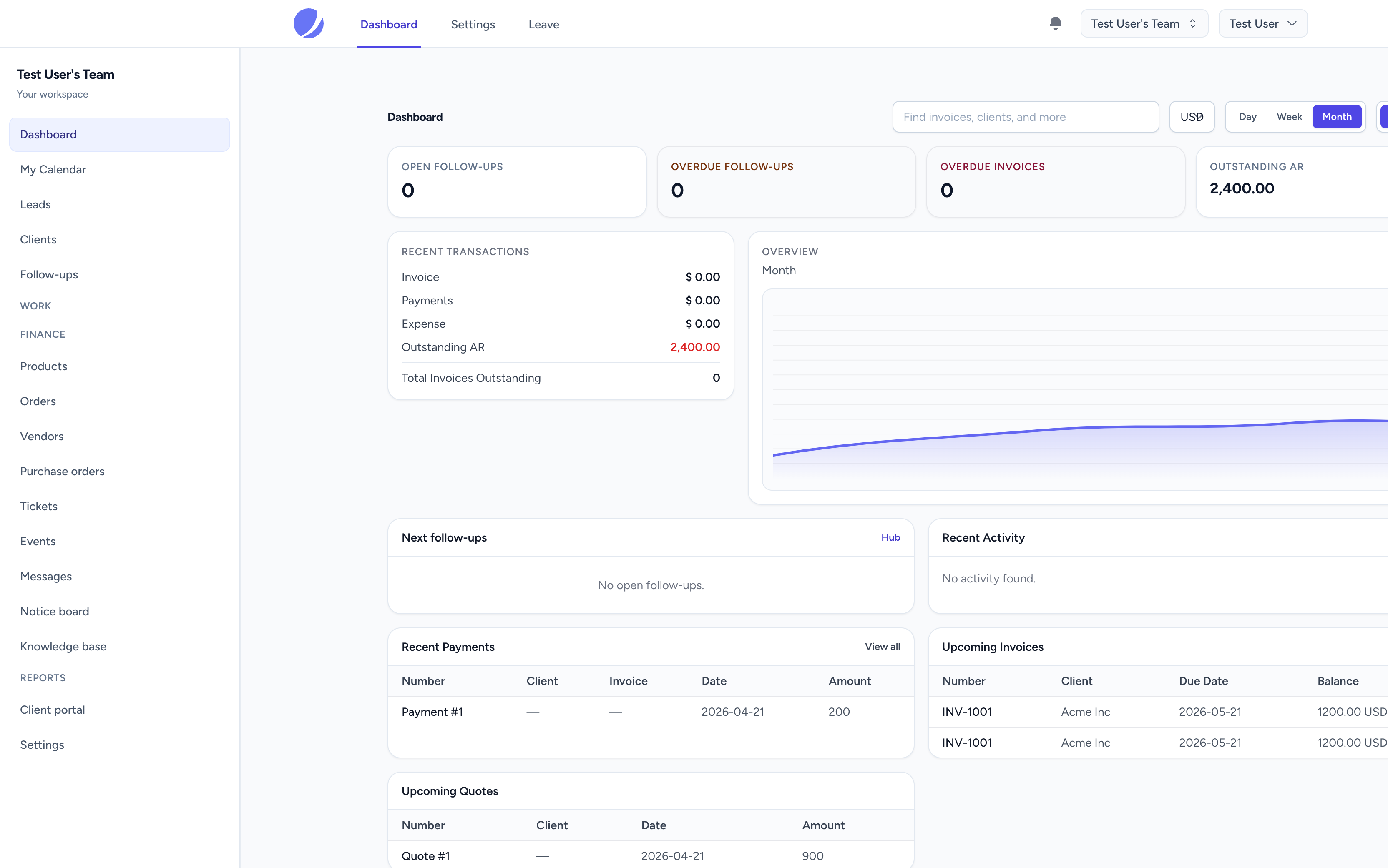
The overview dashboard pulls the signal out of the noise: key totals, recent activity, and quick routes into the modules your team uses every day. It is designed for owners and ops leads who want one screen to sense whether cash, work, and follow‑ups are under control.
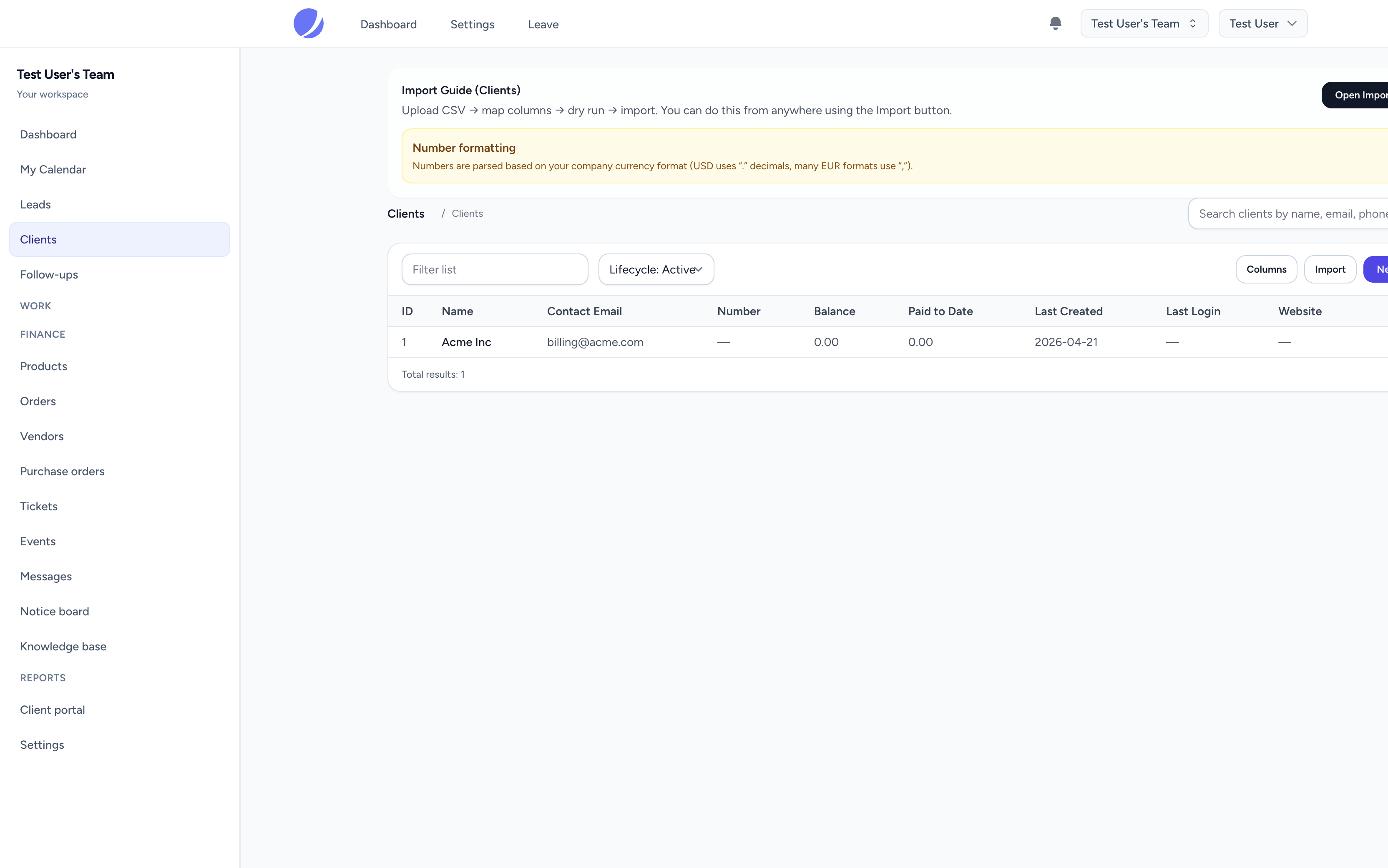
Clients hold structured company and contact data, addresses, settings, uploaded documents, and an activity log so nothing important lives only in someone’s inbox. This is the CRM heart of the workspace — built for relationships that last beyond a single invoice.
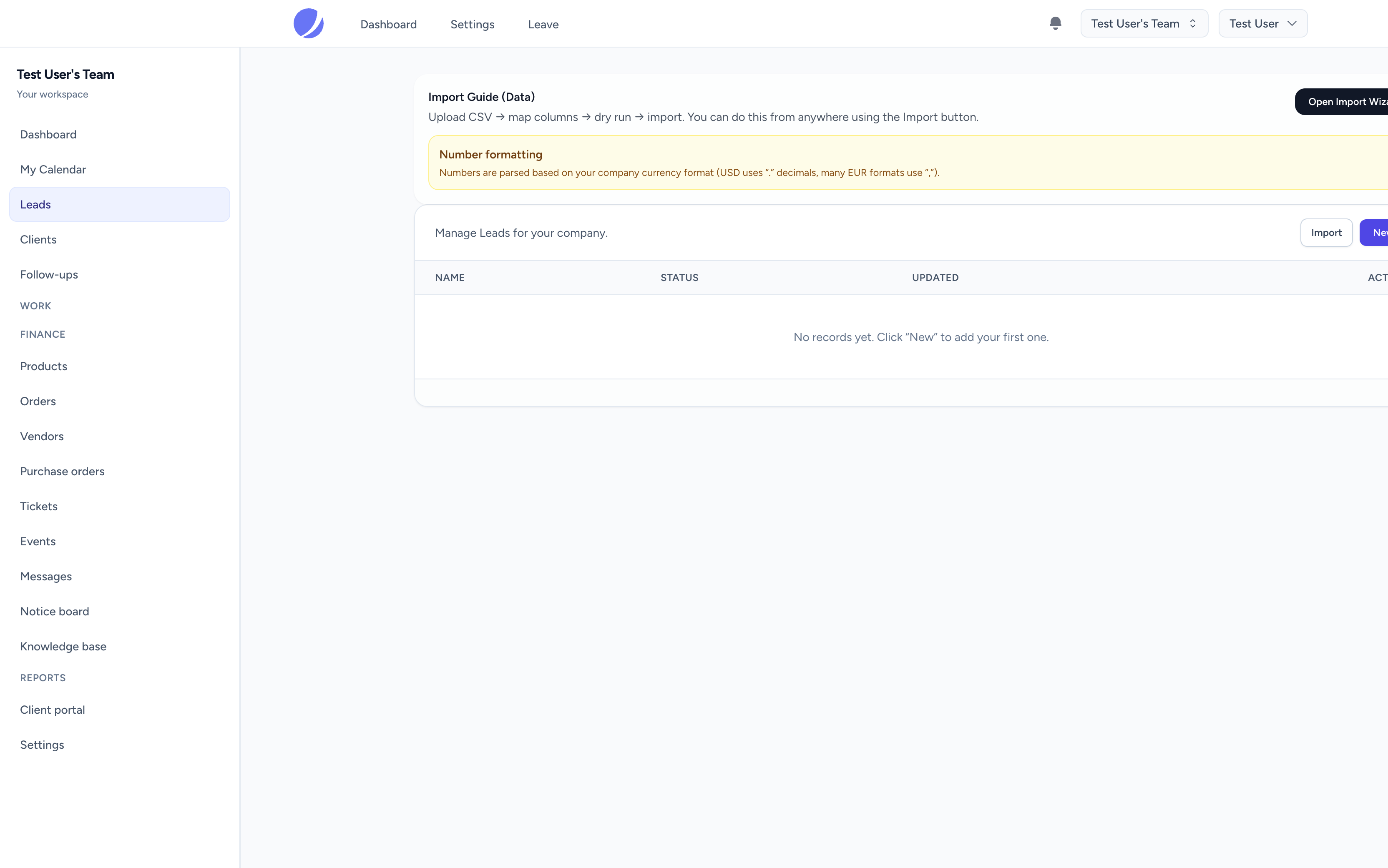
Leads sit upstream of clients: capture interest, qualify it, and promote records when a deal is real. The flow mirrors how UK service businesses actually sell — without forcing you into an enterprise sales methodology you will never use.
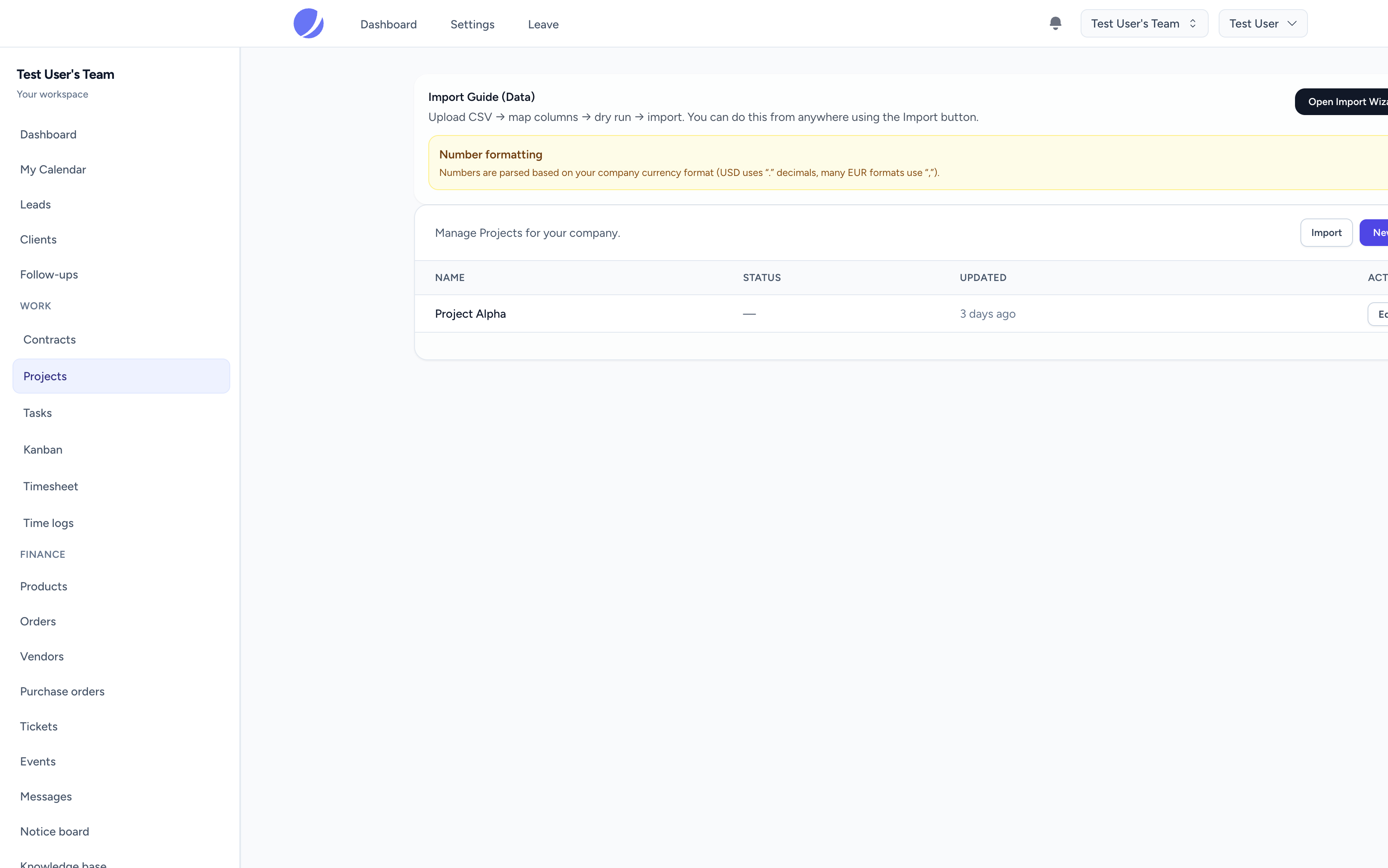
Projects group delivery work with clear ownership and status. They tie tasks, time, files, and billing context together so “where is this job?” has one answer inside the product.
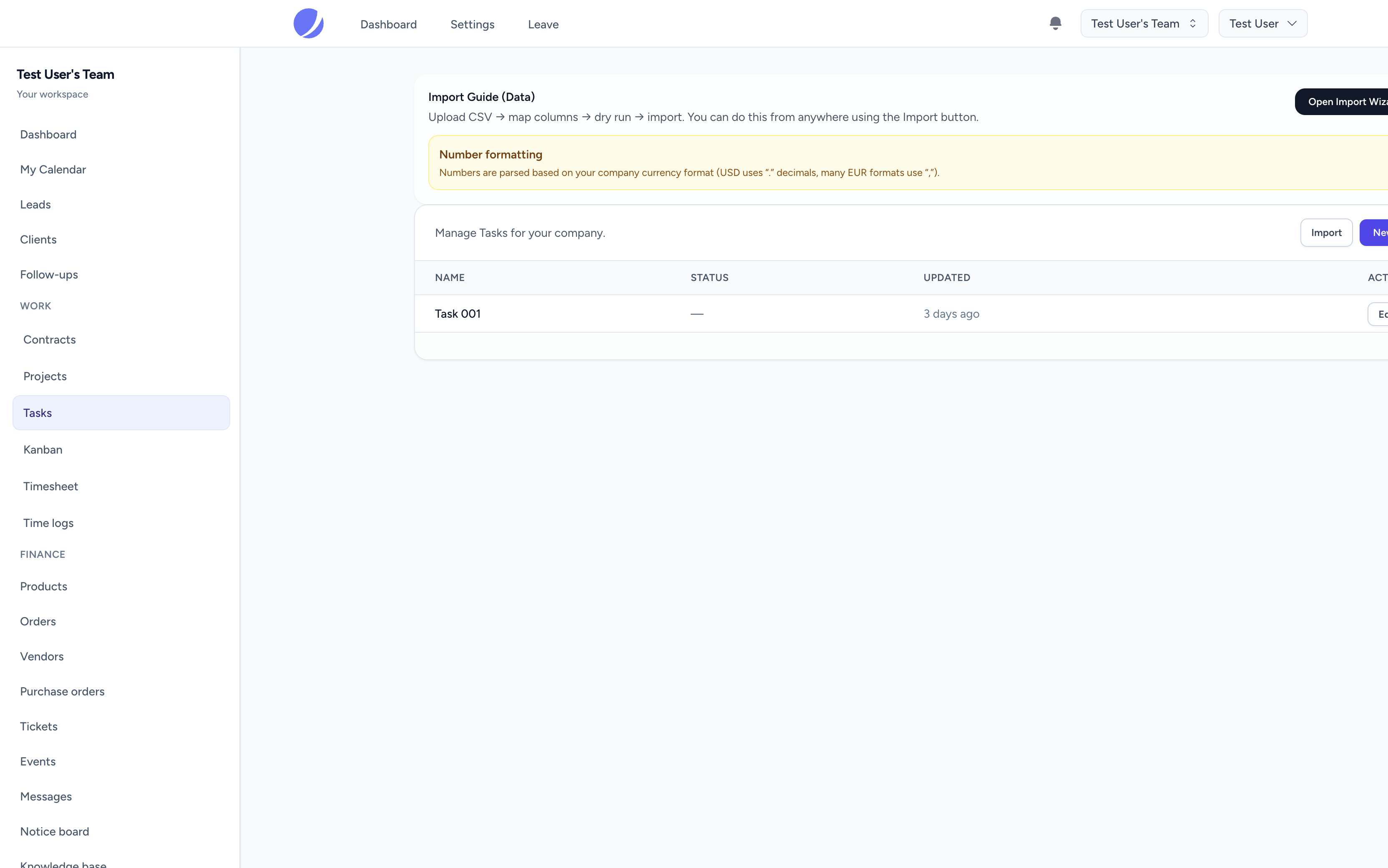
Tasks can be managed in a board-style workflow so teams see work move left‑to‑right at a glance. It complements list and calendar views — different people work different ways, and the product respects that.
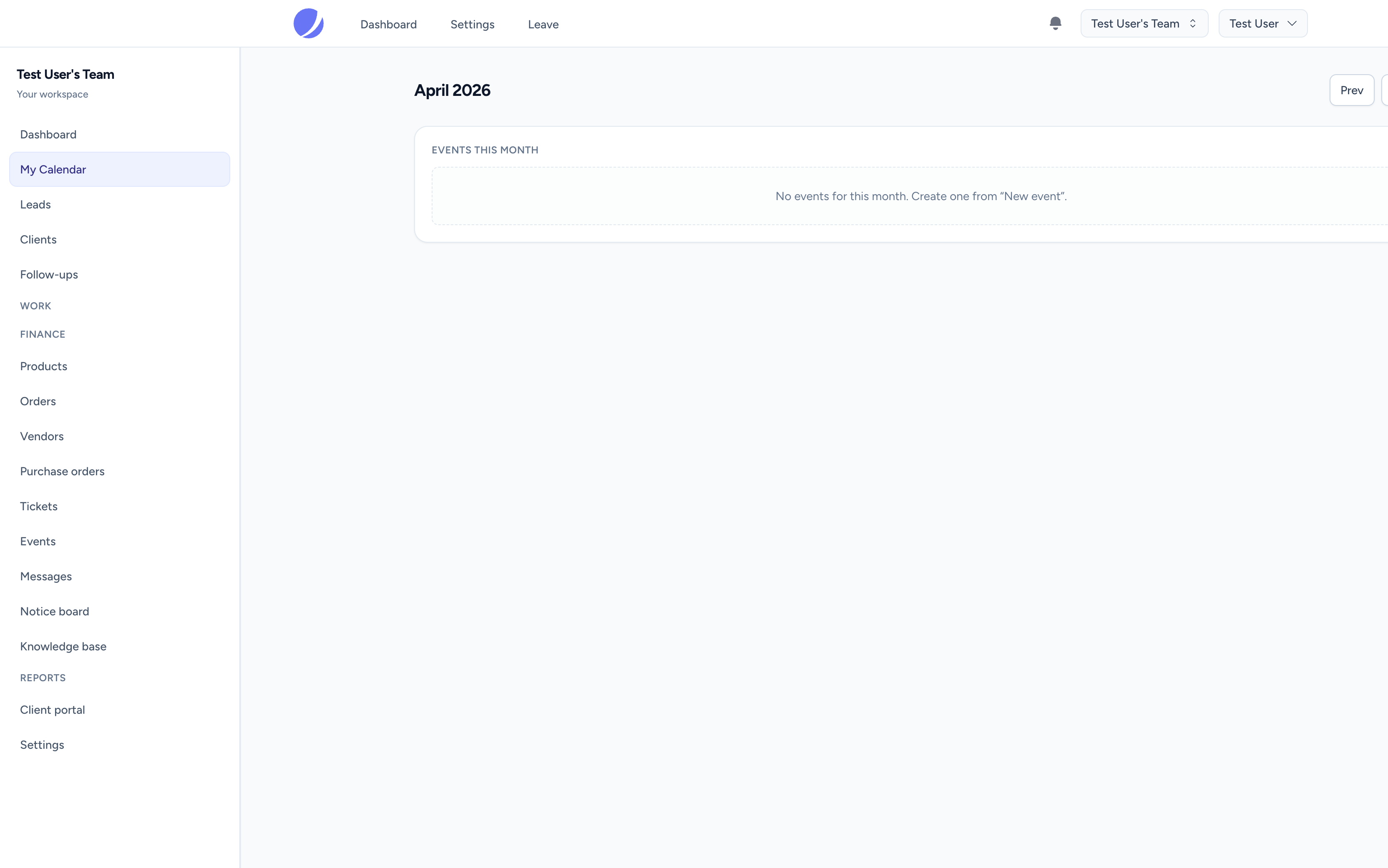
The calendar gives a clear view of what’s happening and when — meetings, deadlines, and operational dates — so the team can plan work with fewer surprises.
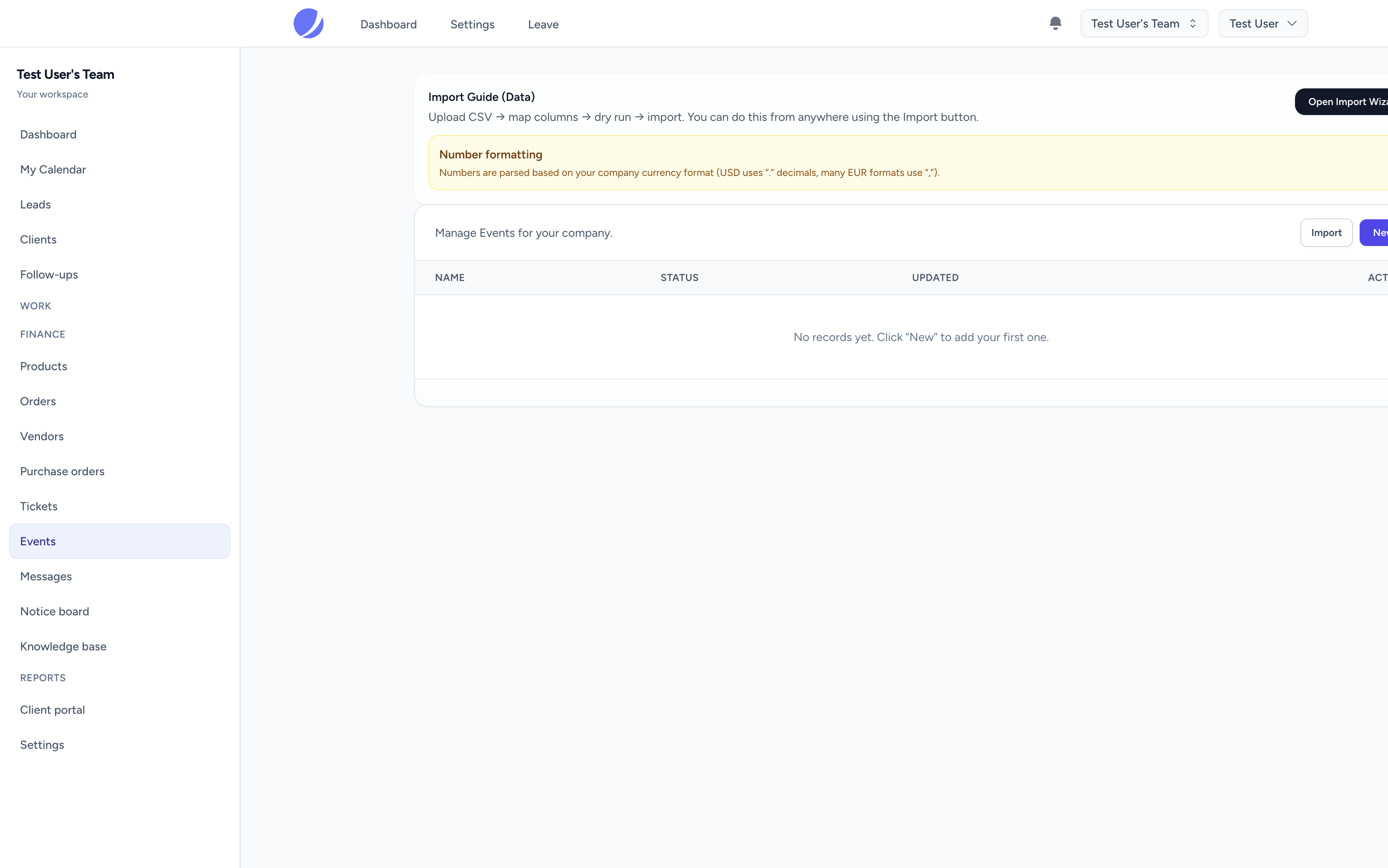
Events and appointments live in the same product as projects and finance. That keeps operational rhythm connected to delivery and cash — not split across separate tools.
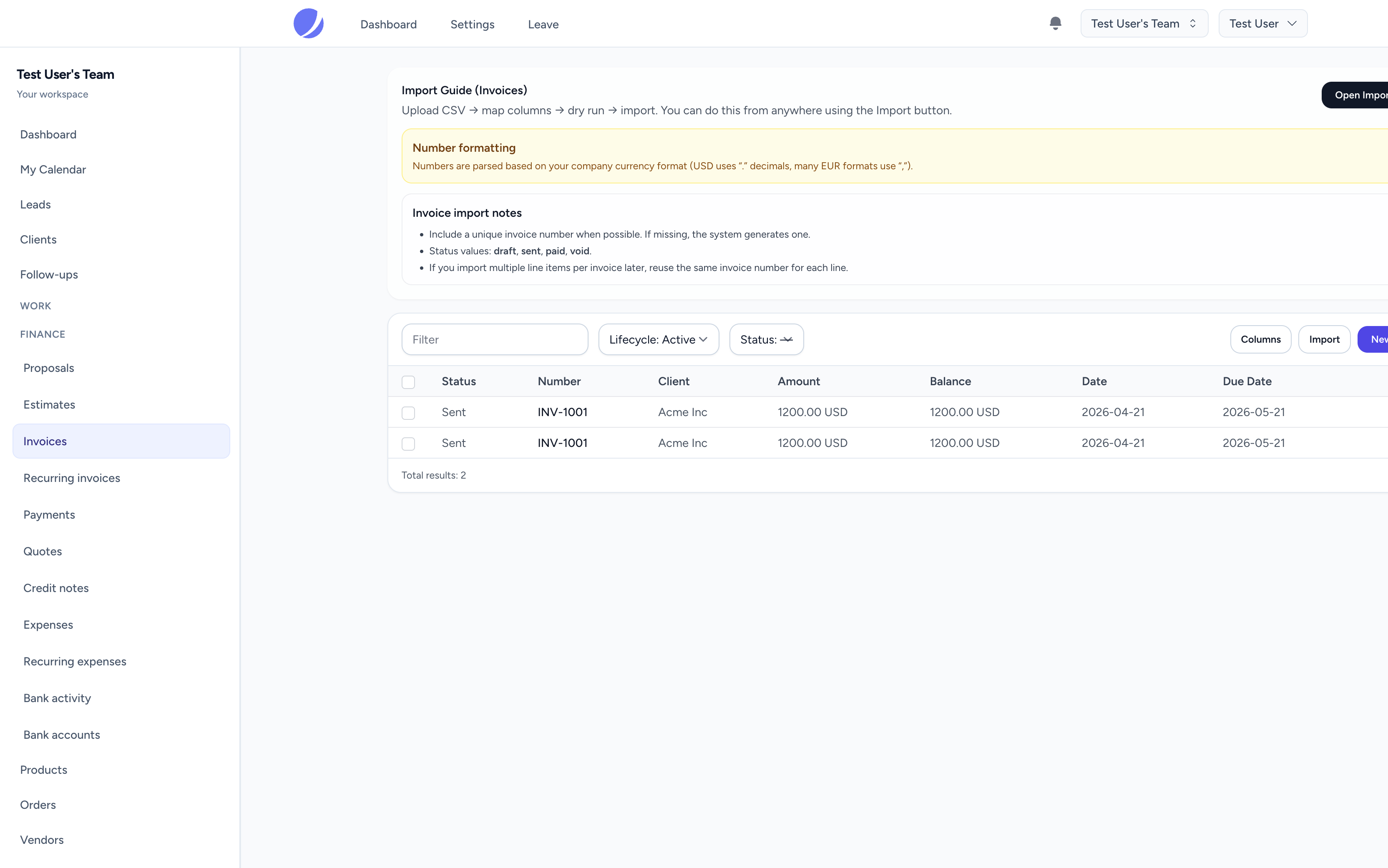
Invoices support line items, discounts, taxes, attachments, and professional PDF output. The editing experience is built for repeat use — most SMEs raise invoices weekly, so friction here would cost real money.
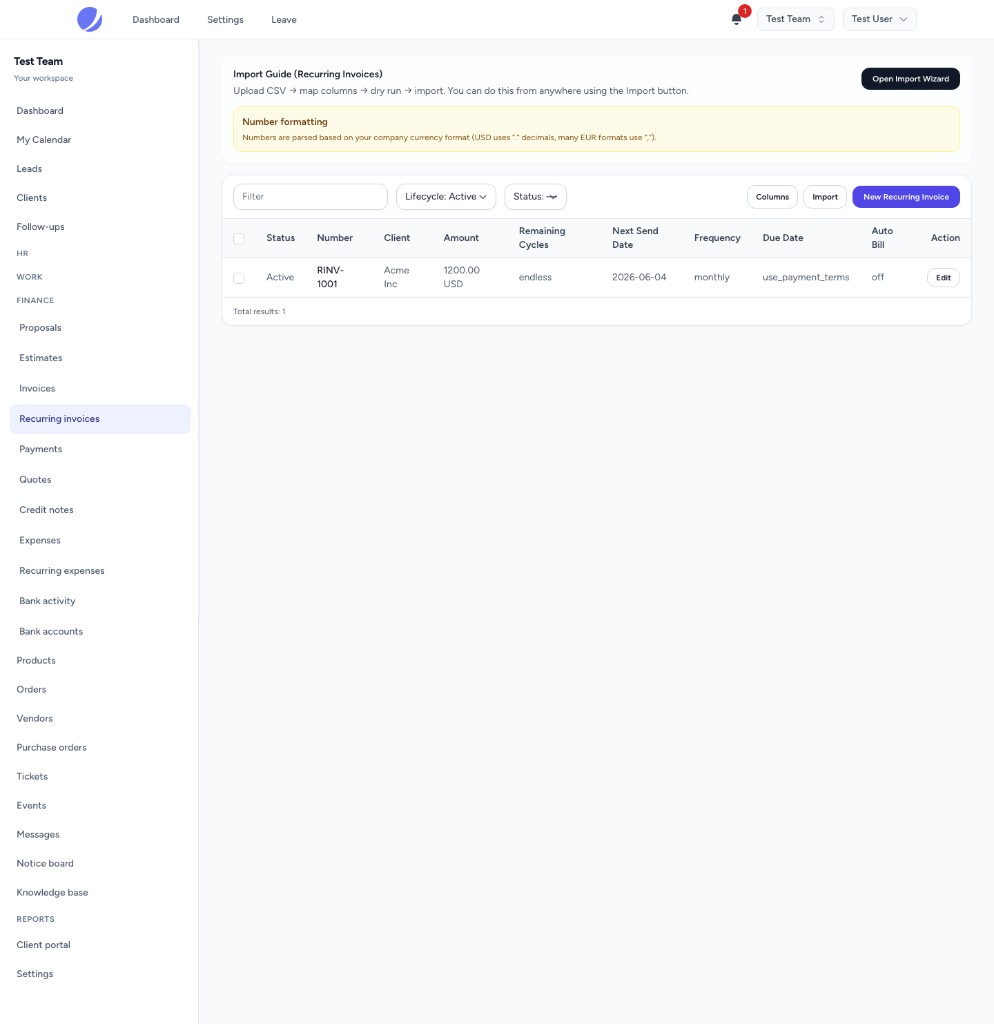
Recurring invoices are for retainers and ongoing service plans. You can see frequency, next send date, and billing rules in one view so repeating income doesn’t rely on someone remembering to raise it.
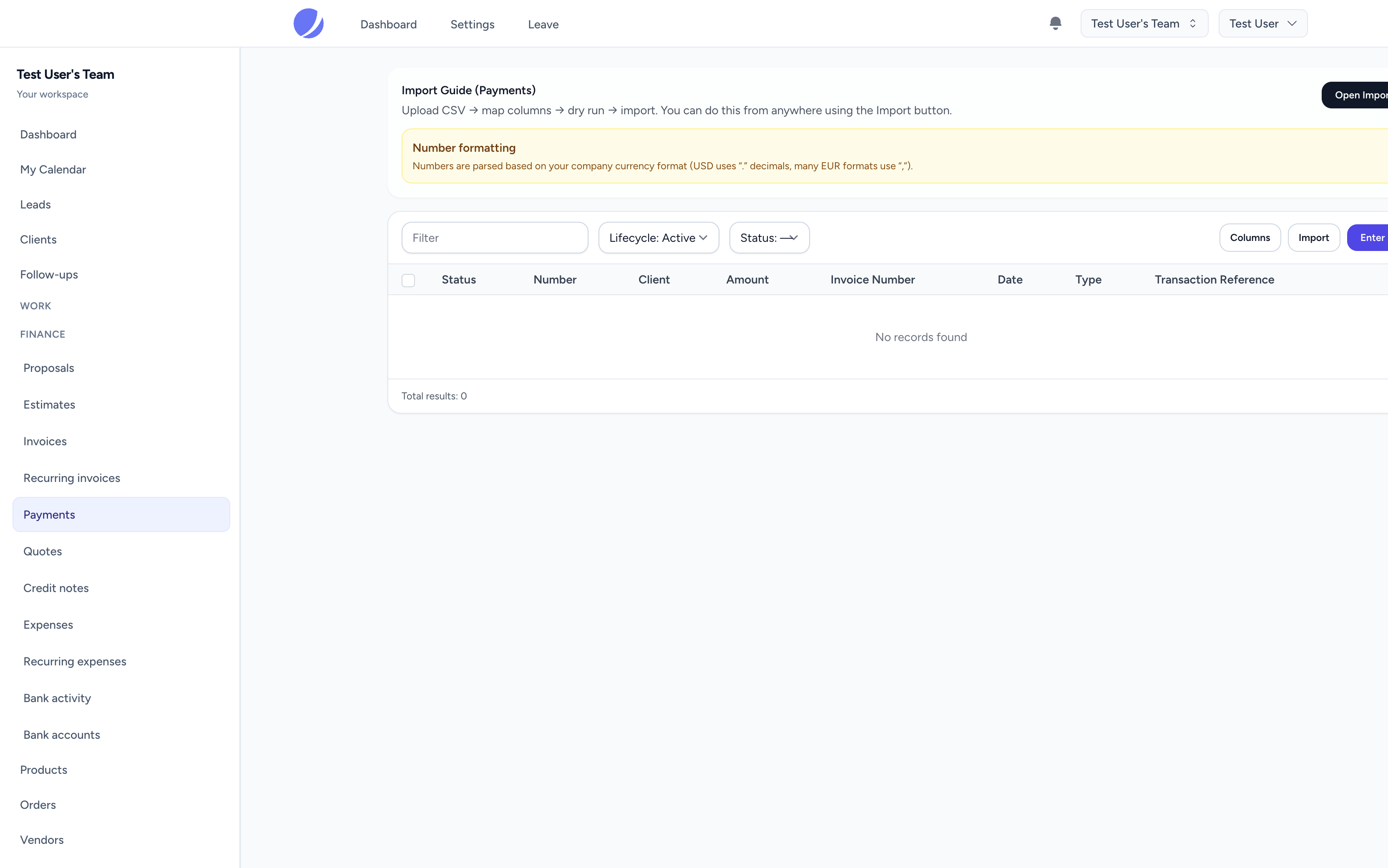
Payments tie income to invoices and bank reality so you can reconcile what landed against what you sent. The goal is a finance view that your accountant will not have to unpick from a dozen exports.
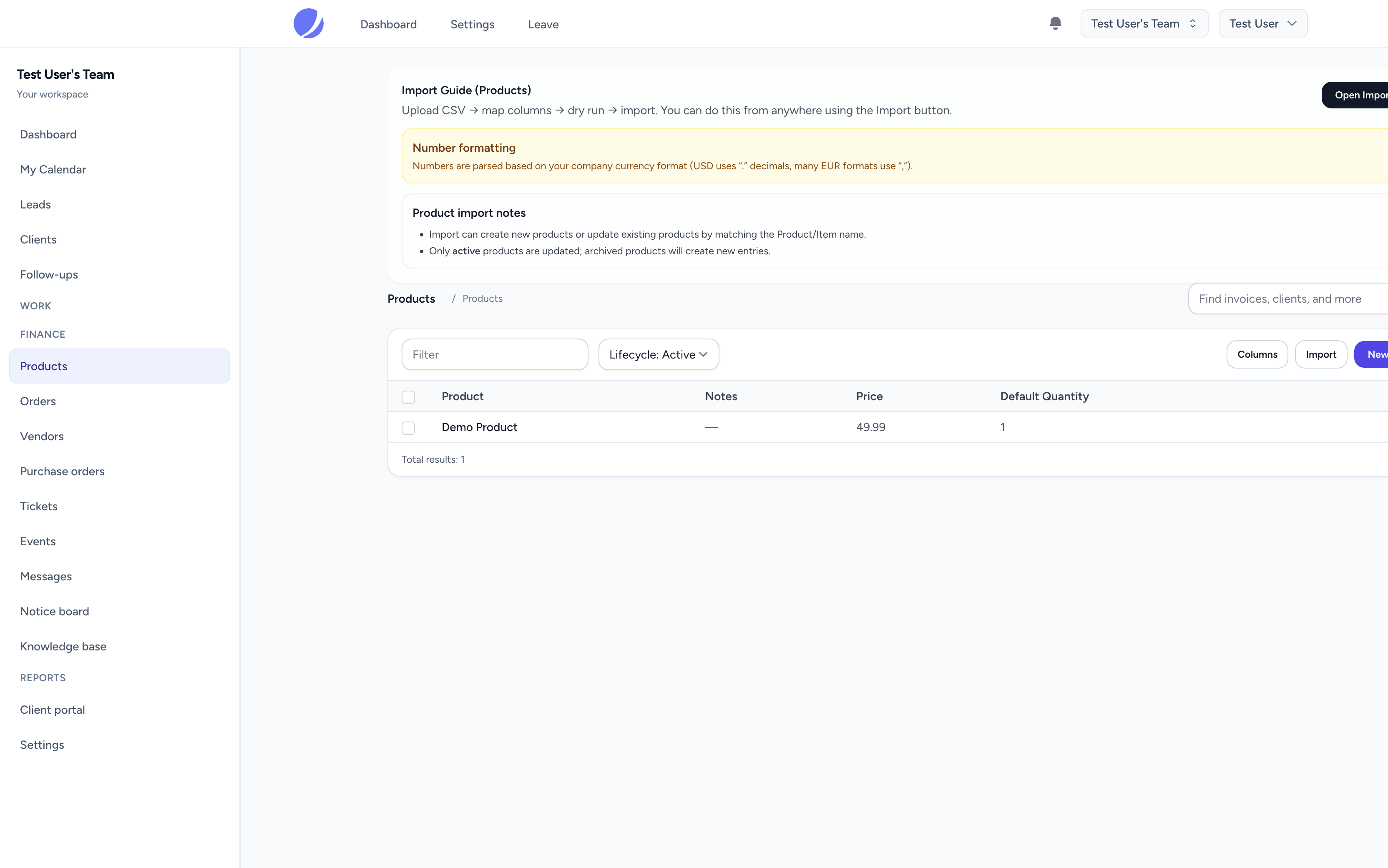
Products catalogue what you sell — hours, packages, physical lines — so invoices stay consistent and reporting by product line is meaningful.
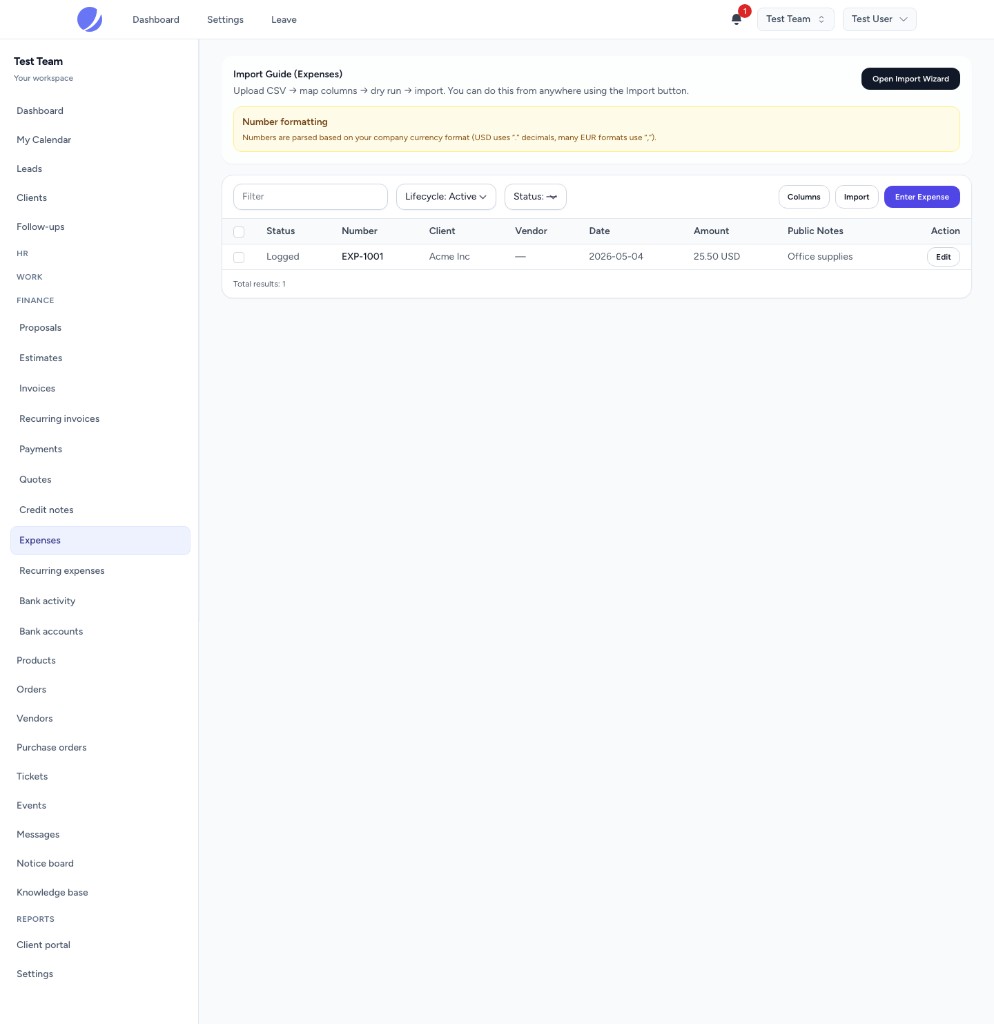
Expenses let you log supplier spend with clear status, dates, notes, and amounts. This makes profitability reporting realistic — not just revenue‑only charts.
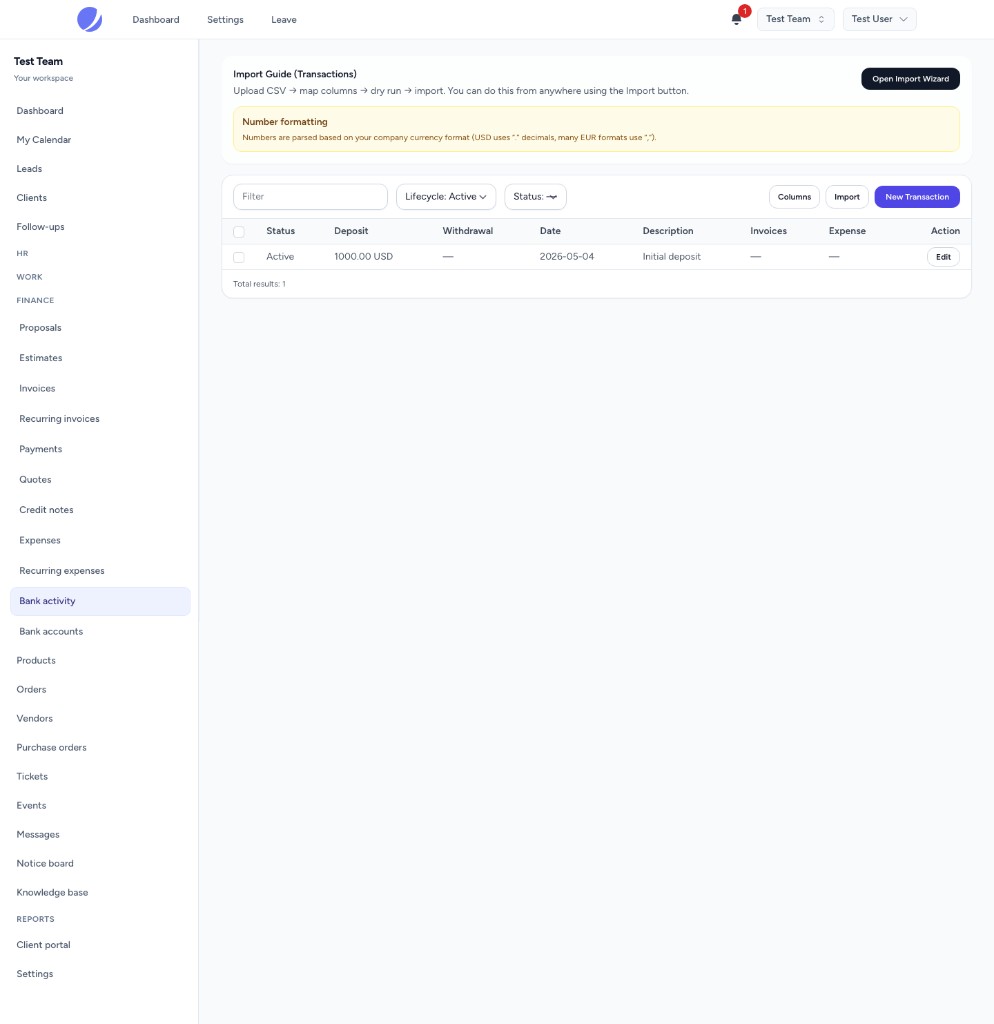
Transactions provide a bank‑style view of deposits and withdrawals so finance stays auditable. It’s a simple foundation for reconciliation and clean month‑end reporting.
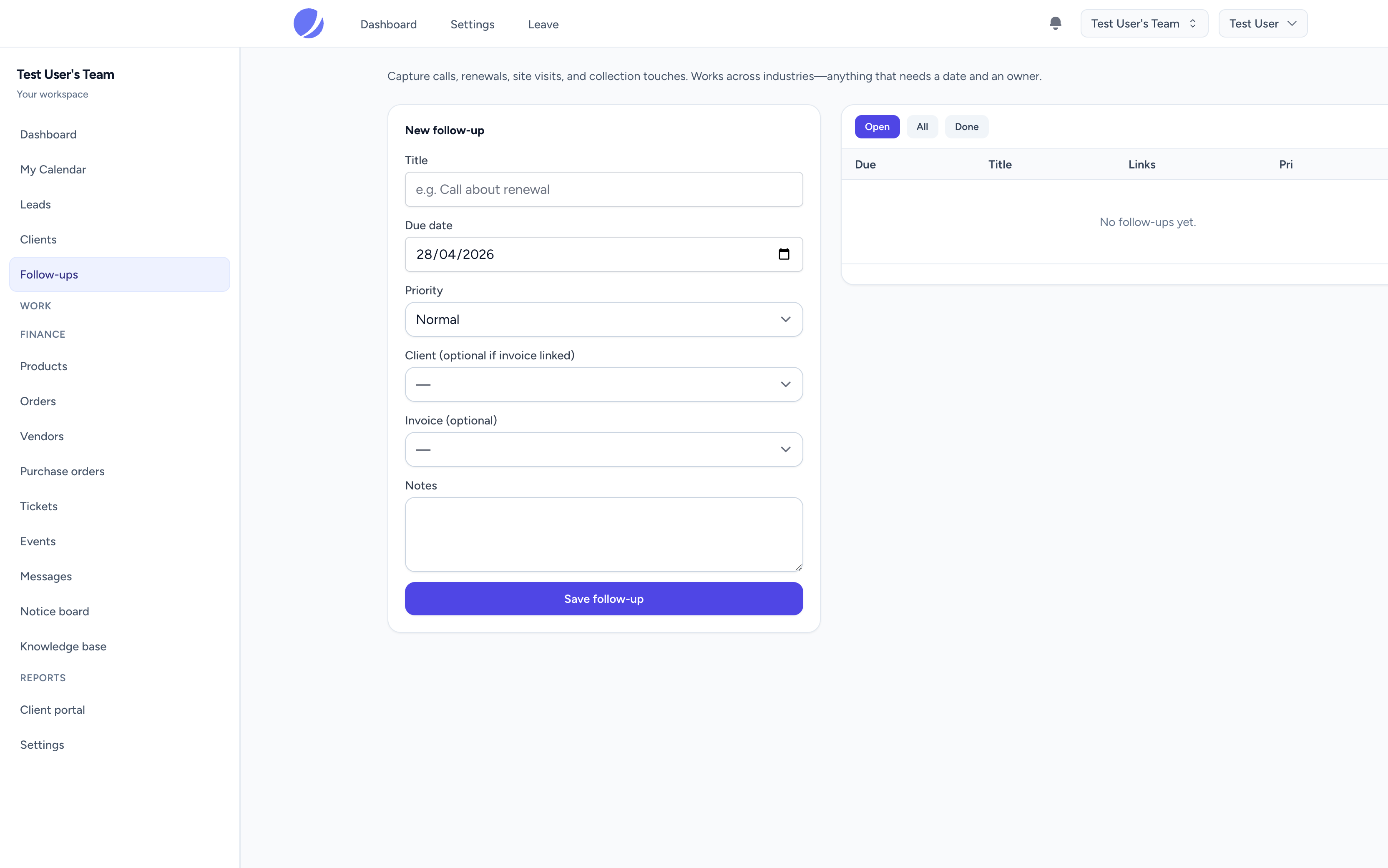
Follow‑ups keep commitments visible across the team so customer experience does not depend on one person remembering to nudge.
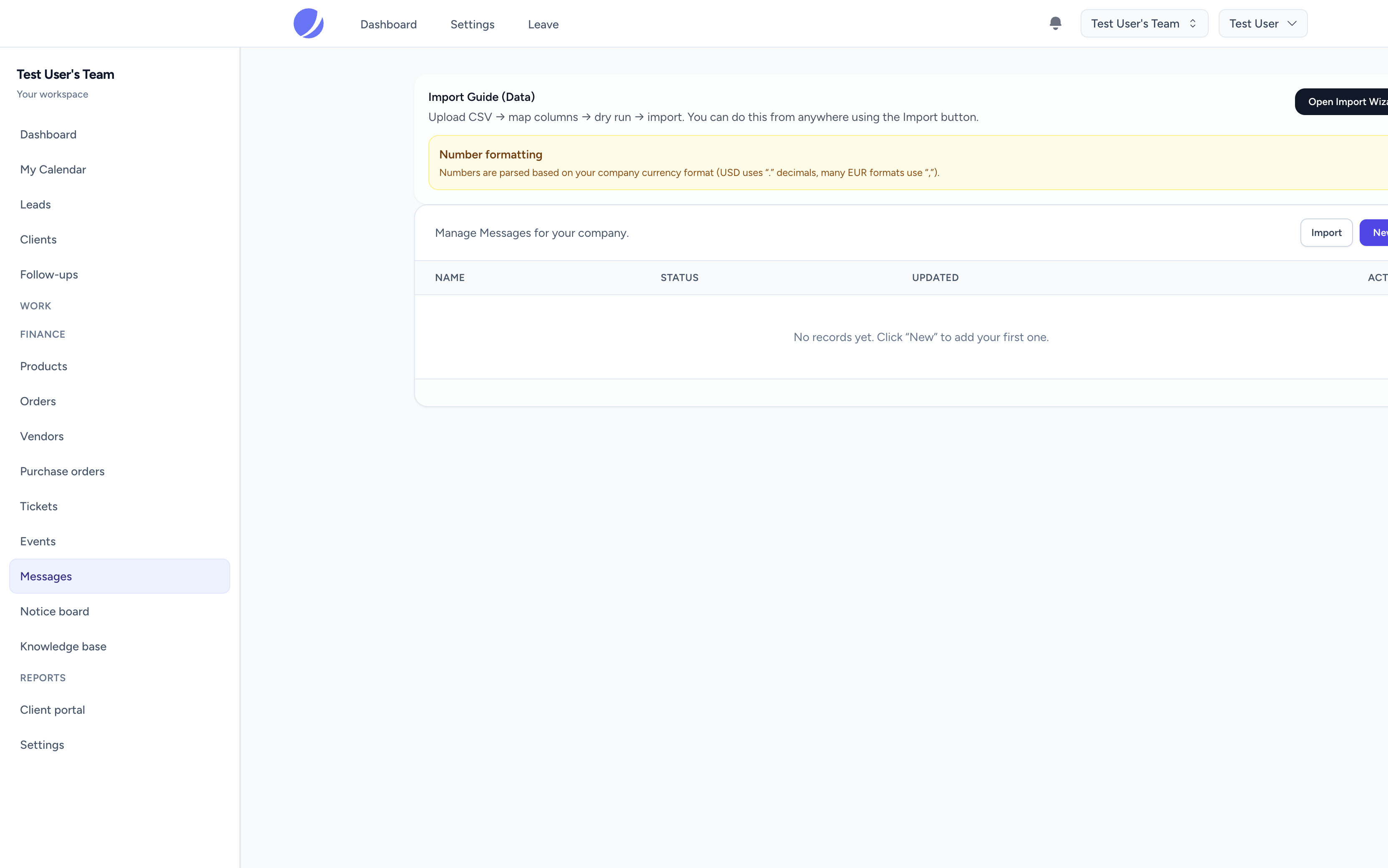
Messages keep day‑to‑day conversation close to the records it relates to, reducing inbox sprawl and making handovers easier when multiple people support the same client.
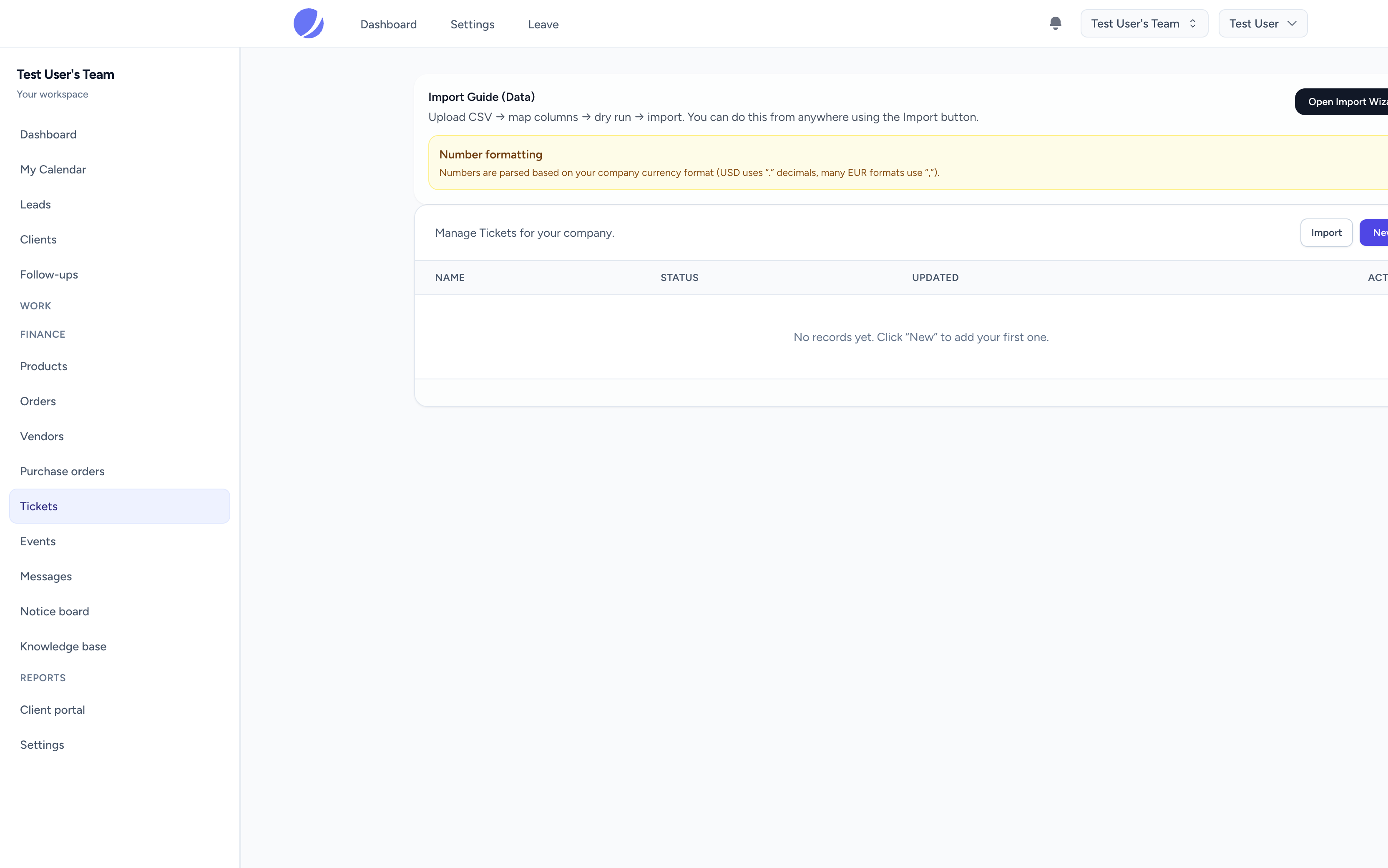
Tickets provide a simple support workflow for customer requests and internal issues — so problems are tracked, prioritised, and closed rather than getting lost in chat threads.
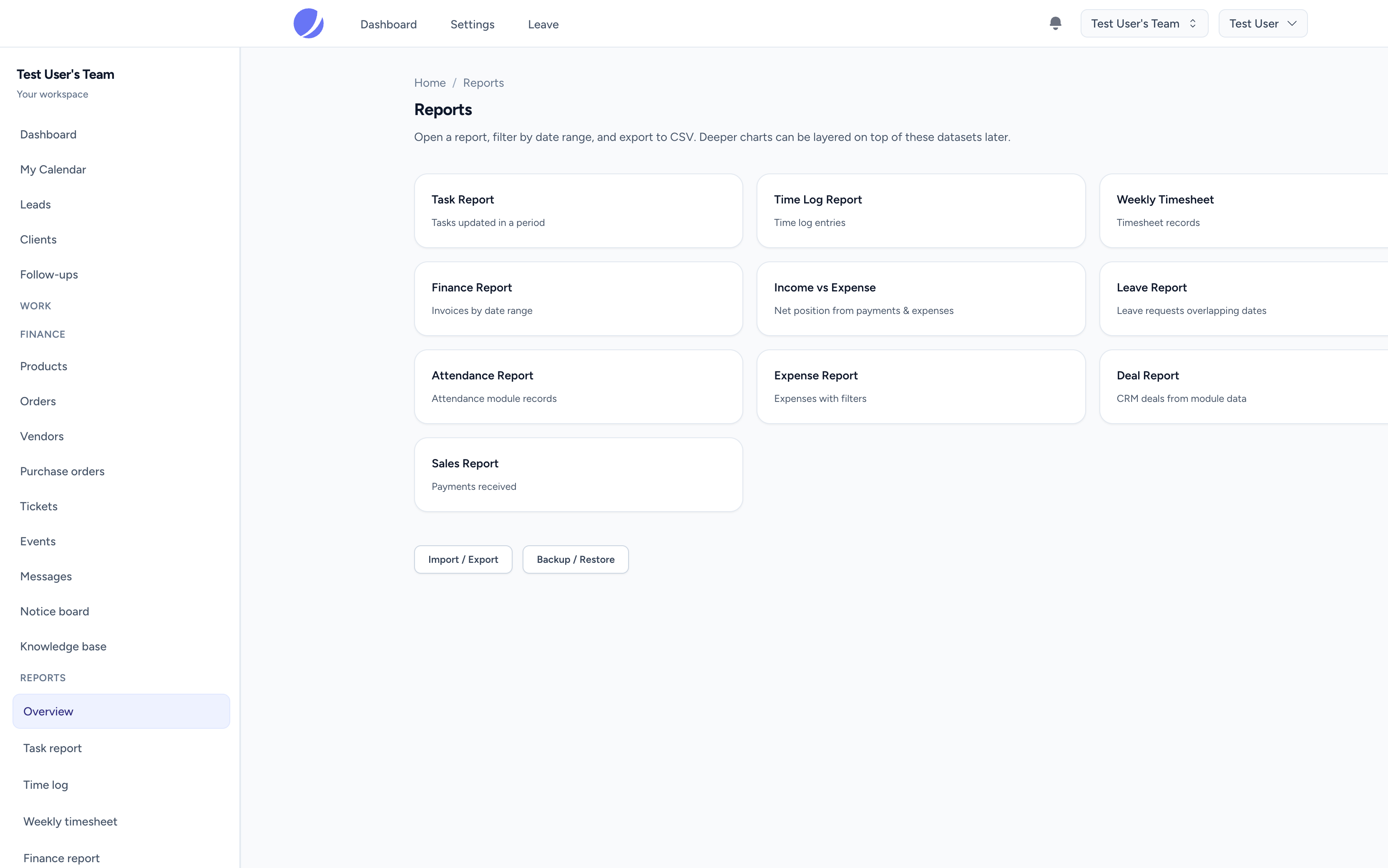
Multiple report types and export paths give leadership a read on pipeline, delivery, and cash without building a separate BI stack on day one.
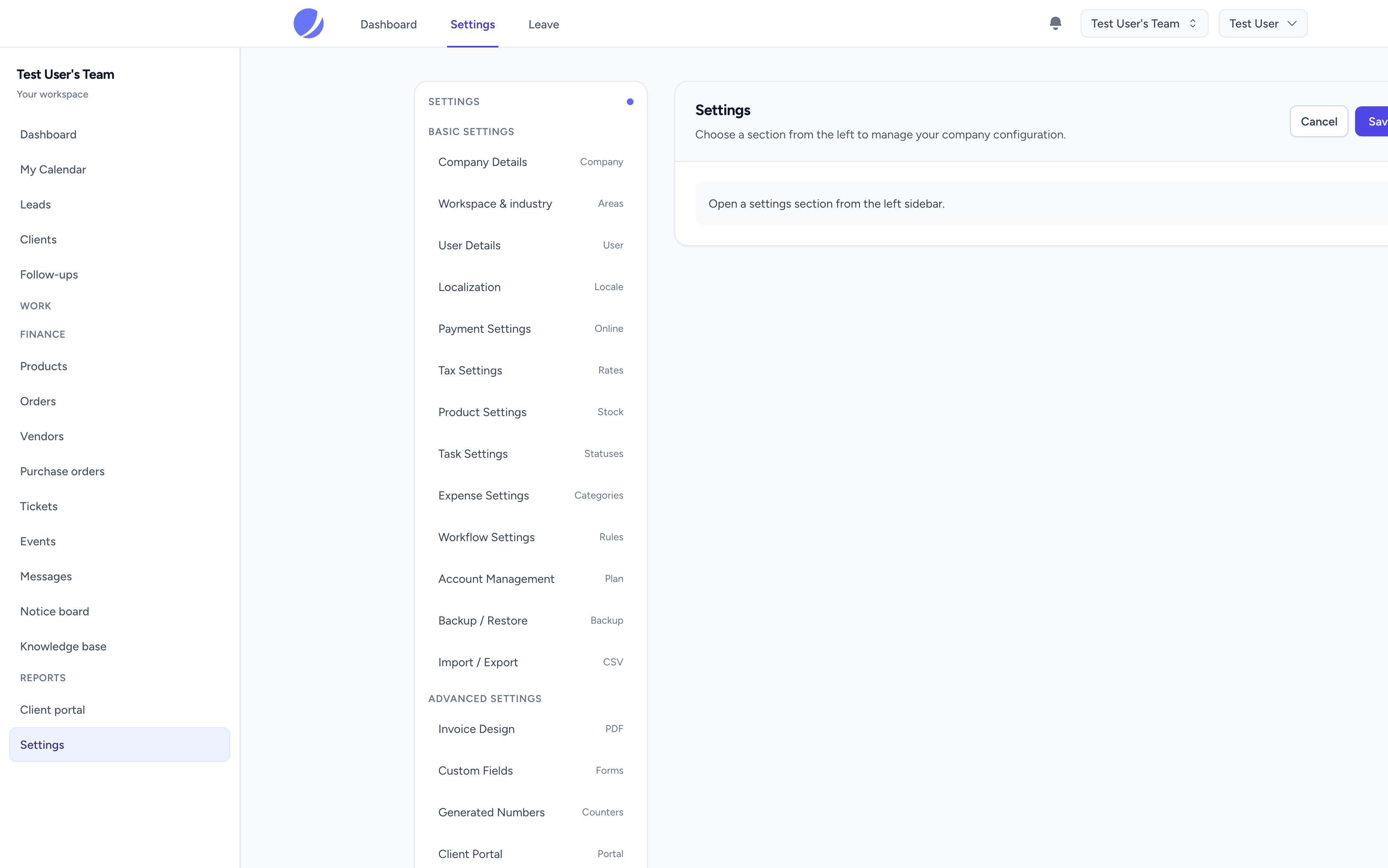
Company settings carry branding and defaults so invoices and customer-facing content look like your firm — not generic software.
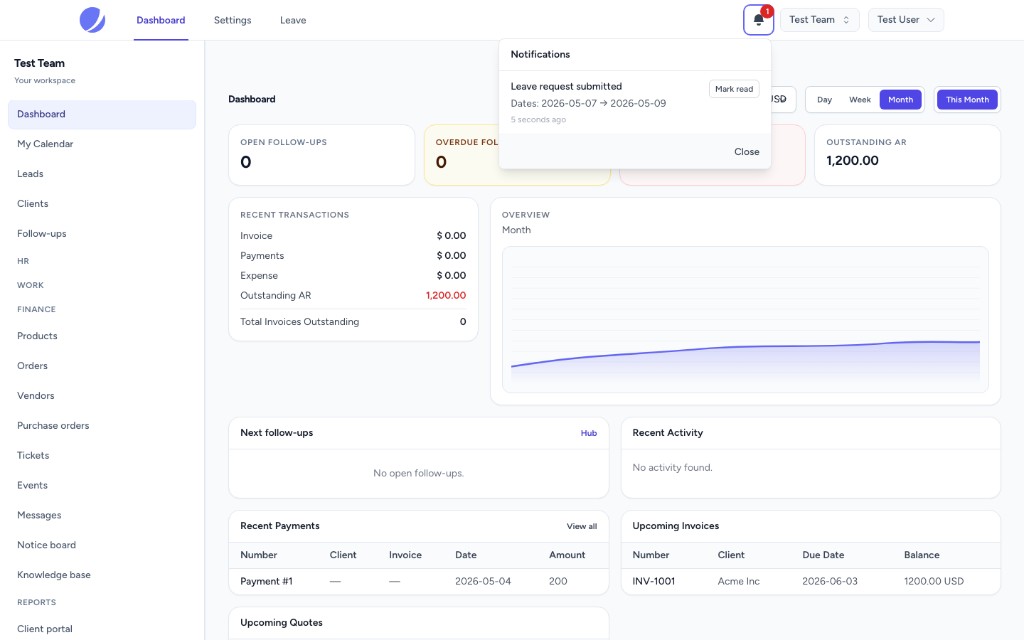
Notifications surface important updates (requests, changes, reminders) right where your team works, reducing the chance that key actions get buried in email.
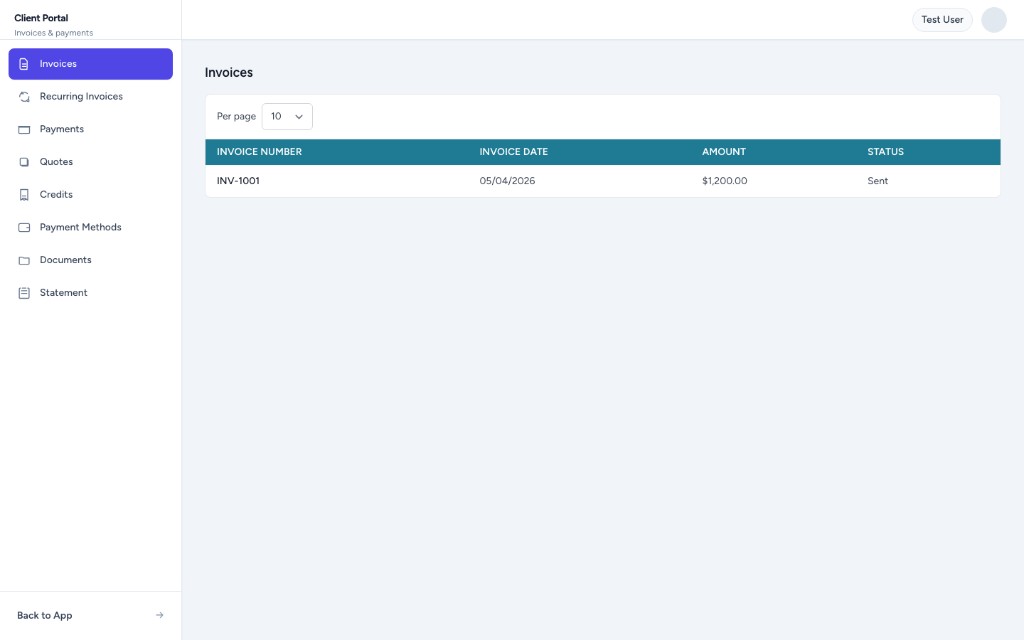
The client portal gives customers a clean, secure place to view invoices and download PDFs — reducing “can you resend that?” admin and making payment conversations smoother.
Product context
MySaaS is an original internal product built as an internal concept demonstration to show how we design and ship a serious, day‑to‑day business workspace — CRM, jobs, money, and reporting in one Laravel + Livewire application. It is presented honestly as a portfolio build, not a third‑party client endorsement.
The Problem
Growing service businesses often run CRM in one tool, tasks in another, finance in a spreadsheet, and client comms in email. The result is duplicated data, missed follow‑ups, slow invoicing, and weak visibility for the owner.
- • Fragmented tools and spreadsheet sprawl
- • Weak handover between sales (leads) and delivery (projects)
- • Invoicing and payments disconnected from operational truth
- • Limited reporting without exporting everything to Excel
- • Clients chasing PDFs and payment links by email
Our Approach
We modelled MySaaS as one Laravel application with Livewire screens, team scoping, permissions, and modular records for quotes, projects, tasks, leads, events, and messages. Finance covers invoices (including recurring), payments, products, expenses, and transactions. Operations add follow‑ups, timelines, and notifications. A separate portal area serves invoice PDFs to clients. The architecture is intentionally straightforward — easy for a UK SME to host, extend, and reason about.
Design Principles
- • Clarity — dense capability without a cluttered interface; predictable navigation
- • Operational truth — records link across CRM, delivery, and finance
- • Trust — permissions, audit‑style activity, and professional client‑facing documents
Commercial CRM
- • Leads
- • Clients
- • Follow‑ups
- • Activity timeline
Delivery
- • Projects
- • Tasks and Kanban
- • Calendar
- • Notifications
Finance
- • Invoices and PDFs
- • Recurring invoices
- • Payments
- • Products
- • Expenses
- • Transactions
Client experience
- • Invoice portal
- • Secure document access
Technical Architecture
Frontend
Backend
Breadth without chaos
Challenge: All‑in‑one products can become menus of half‑finished screens.
Solution: We grouped features into CRM, delivery, finance, and portal surfaces, reused patterns across modules, and kept company settings and permissions central so every screen feels like the same product.
Invoice and portal security
Challenge: Financial documents must not leak between tenants or clients.
Solution: Team scoping, authenticated portal routes, and server‑side PDF generation keep access aligned to business structure.
Services demonstrated in this project
What this demonstration shows
MySaaS explores a full product vertical in one internal build — not only a marketing site — including multi‑area navigation, complex forms, reporting, and client‑facing flows. It is an internal reference for SaaS development patterns, web application delivery, and product‑grade UI/UX for B2B-style audiences — not paying-client evidence.
Independent concept project created by uncodeworld. It was not commissioned by or delivered for an external client.
Related services
This project used or relates to the following services and solutions.